
Samsung Electronics
About
Samsung Electronics is recognized for the accessibility features built into its Smart TVs, which address vision, hearing, and mobility needs so more people can enjoy television independently. Many of the features can be reached quickly from any screen by pressing and holding the remote's volume button to open the Accessibility Shortcuts menu.
For people who are blind or have low vision, Voice Guide describes what is on screen, including channels, volume, and program information, while Audio Subtitles uses AI to read video captions out loud. Relumino Mode makes shows and movies easier to see by outlining objects and enhancing contrast, brightness, and color, and people can also use magnification up to 200%, high contrast, larger menus and text, grayscale, color inversion, and SeeColors Mode for color vision deficiency. Learn TV Remote and Learn Menu Screen help people learn the remote's buttons and TV functions through audio explanations.
For people who are Deaf or hard of hearing, Sign Language Zoom automatically recognizes and enlarges the sign language area of a broadcast by up to 200%, and a Sign Language Guide avatar explains TV menu functions in sign language on supported models. Captions can be moved and restyled, and Multi-output Audio sends sound to Bluetooth headphones and the TV speakers at the same time, so everyone in a household can listen at their preferred volume.
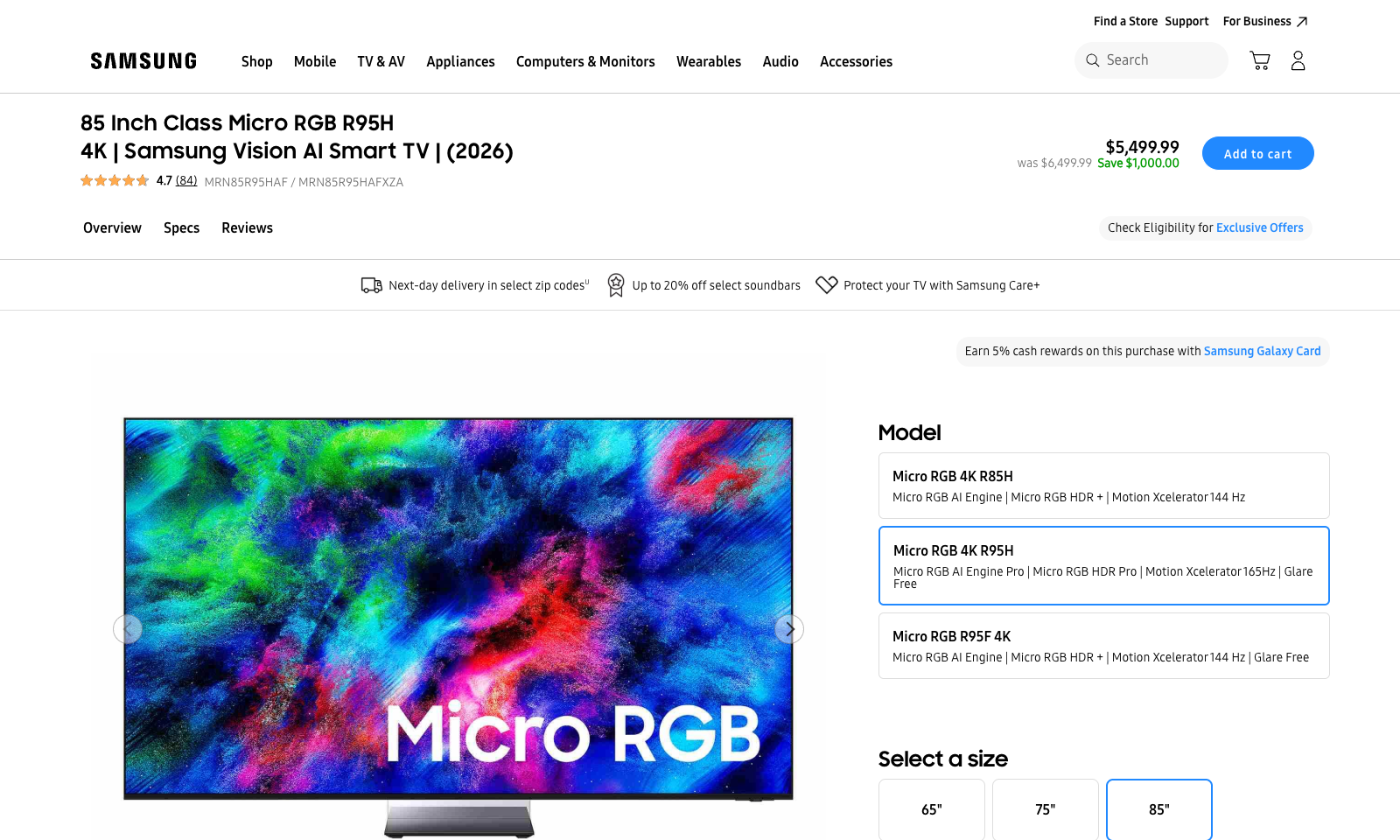
By building these features into mainstream televisions, Samsung makes accessible viewing part of the everyday living room experience, not something people need to add on. These features are available on current models such as the 85-inch Micro RGB R95H 4K Samsung Vision AI Smart TV, though some features vary by model and region.